

Commissioning
Check addresses, data types and byte order before integrating equipment into a building automation system.

A FREE TOOL BY RELETEC

Modrelix is a free Modbus RTU and TCP client for Windows. Read and write registers and coils, monitor values and configure devices over USB–RS485 or Ethernet in one workspace.
Free. No subscription.
Version 1.6.0 · Windows x64 · 8 interface languages
Unsigned test release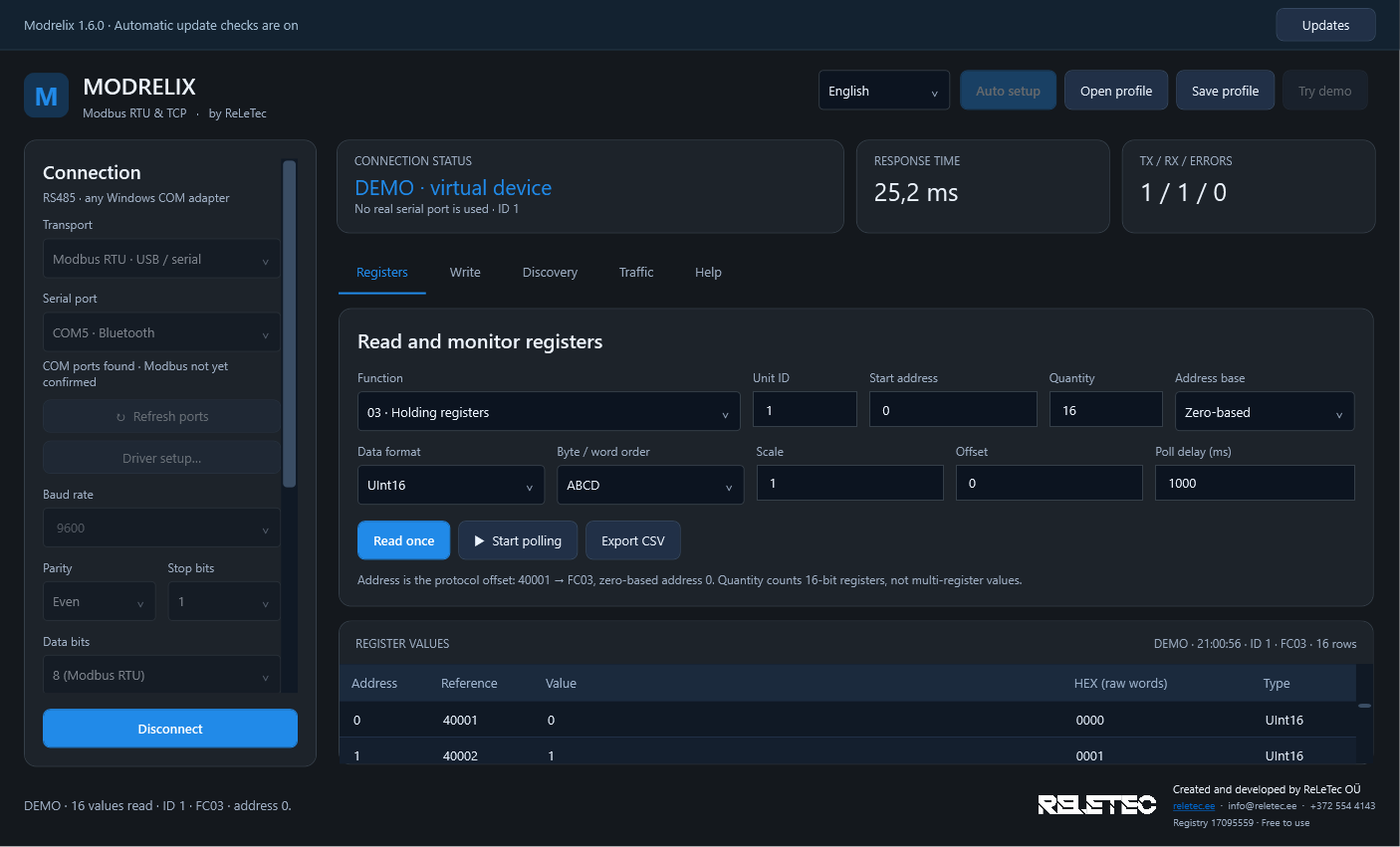
WHY MODRELIX?
When a controller value looks wrong, communication fails or a device needs a new setpoint, Modrelix helps you see what is actually happening in its registers.
Check addresses, data types and byte order before integrating equipment into a building automation system.
Compare read values with the device documentation and inspect requests and responses in the traffic log.
Change supported registers with an explicit confirmation, then read the result back to verify it.
CAPABILITIES
Use a USB/RS485 adapter exposed as a Windows COM port. Set baud rate, parity, stop bits, device address, timeout and other serial options.
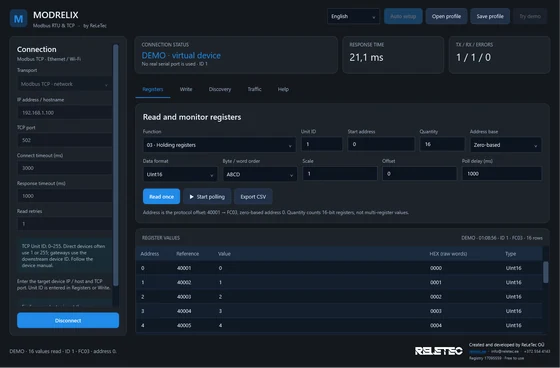
Enter the device IP address or hostname, TCP port and Unit ID. Read and write registers with the same workflow as RTU. The usual port is 502.
Auto setup tries read-only queries. A connection is recommended only after a valid Modbus reply; the USB adapter name alone cannot confirm a Modbus device.
FC01–04 for reading and FC05, FC06, FC15 and FC16 for writing. Every write requires confirmation, and a timed-out write is never retried automatically.
Integers, floating point, hex, binary and ASCII; byte and word order, scale and offset. Read once, poll repeatedly and export values to CSV.
Save connection settings in a JSON profile, inspect communication and explore the application in demo mode. Interface languages: Estonian, English, Latvian, Lithuanian, Polish, Finnish, Norwegian Bokmål and Swedish.
GET STARTED
Download the installer. The .NET runtime is included, along with a standard Windows uninstaller.
For RTU, connect your adapter and powered Modbus device. For TCP, enter the device IP or hostname, port and Unit ID.
Enter the function and register address from the manufacturer's manual. Start by reading, choose a data format and save the results if needed.
DOWNLOAD
Current Modrelix, Bacrelix, Netrelix and Busrelix releases are free to test and their existing MIT licence remains in force. Future releases may be paid and use different licence terms. No purchase or subscription is started now.
Current release licence ↗Windows 10 (1809 or later) / Windows 11 · x64
Download for Windows44.8 MB · Version 1.6.0 · Windows x64 · 8 interface languages
A USB adapter and Modbus device are not included. A compatible USB serial driver may be required; installation takes place only with your consent.
Your browser downloads a normal file. Sending feedback is optional.
GOOD TO KNOW
Adapters exposed as working Windows COM ports, including FTDI, WCH CH340/CH341, Silicon Labs CP210x, Prolific PL2303 and USB CDC. This connection method also supports OKY3406-4 and OKY3406-6 adapters. Electrical compatibility and driver support depend on the actual adapter.
No. The Modbus device must be powered, correctly wired and able to answer a read query using the settings being tried. Auto setup does not discover the register map. Narrow the search or enter the settings from the manufacturer's documentation when necessary.
Current Modrelix, Bacrelix, Netrelix and Busrelix releases are free to test and their existing MIT licence remains in force. Future releases may be paid and use different licence terms. No purchase or subscription is started now. The MIT licence for this release and third-party notices remain in force. Source code is no longer offered among the website downloads.
Version 1.6.0 is an unsigned test release. A signed release is being prepared. Automated checks and local Modbus TCP tests do not replace testing with your specific physical device. The application is not a Windows-certified product.
The application sends no usage telemetry and adds no cloud connection. You choose where CSVs, profiles and logs are saved. The website collects cookie-free aggregate pageview and download-click counts, respects DNT/GPC and keeps hosting request logs separate.
Yes. Remove Modrelix from the installed apps list in Windows Settings. Separately saved profiles and logs, and shared USB drivers, remain available.
What worked well? What could be simpler? Does a device or feature need more attention? Your feedback helps improve the tool and everyday life.
Free tools
 MODBUS RTU / TCP
Read registers, monitor values and configure Modbus RTU and TCP devices in one modern Windows application. Built for automation engineers, maintenance teams and curious explorers.
Download for Windows ↗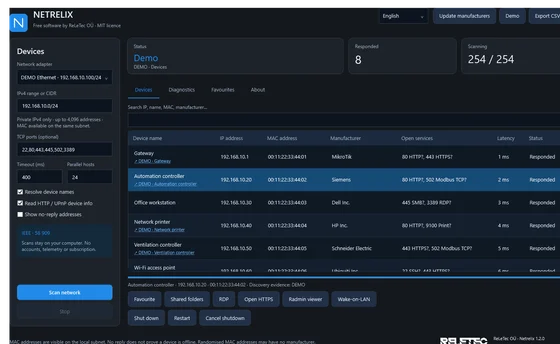
 LAN / ARP / TCP
A free Windows network toolkit: discover LAN devices, names, IP and MAC addresses, manufacturers and services. Find your public IP and check TCP ports from the internet. DNS, TLS, subnet calculation and XML export are built in.
Download for Windows ↗RELETEC / UPDATES
The application checks for new releases at startup and once a day while it is open. A notice and release notes appear when a newer version is available. Choose when to download and install; automatic checks can be switched off.
Free. No subscription.